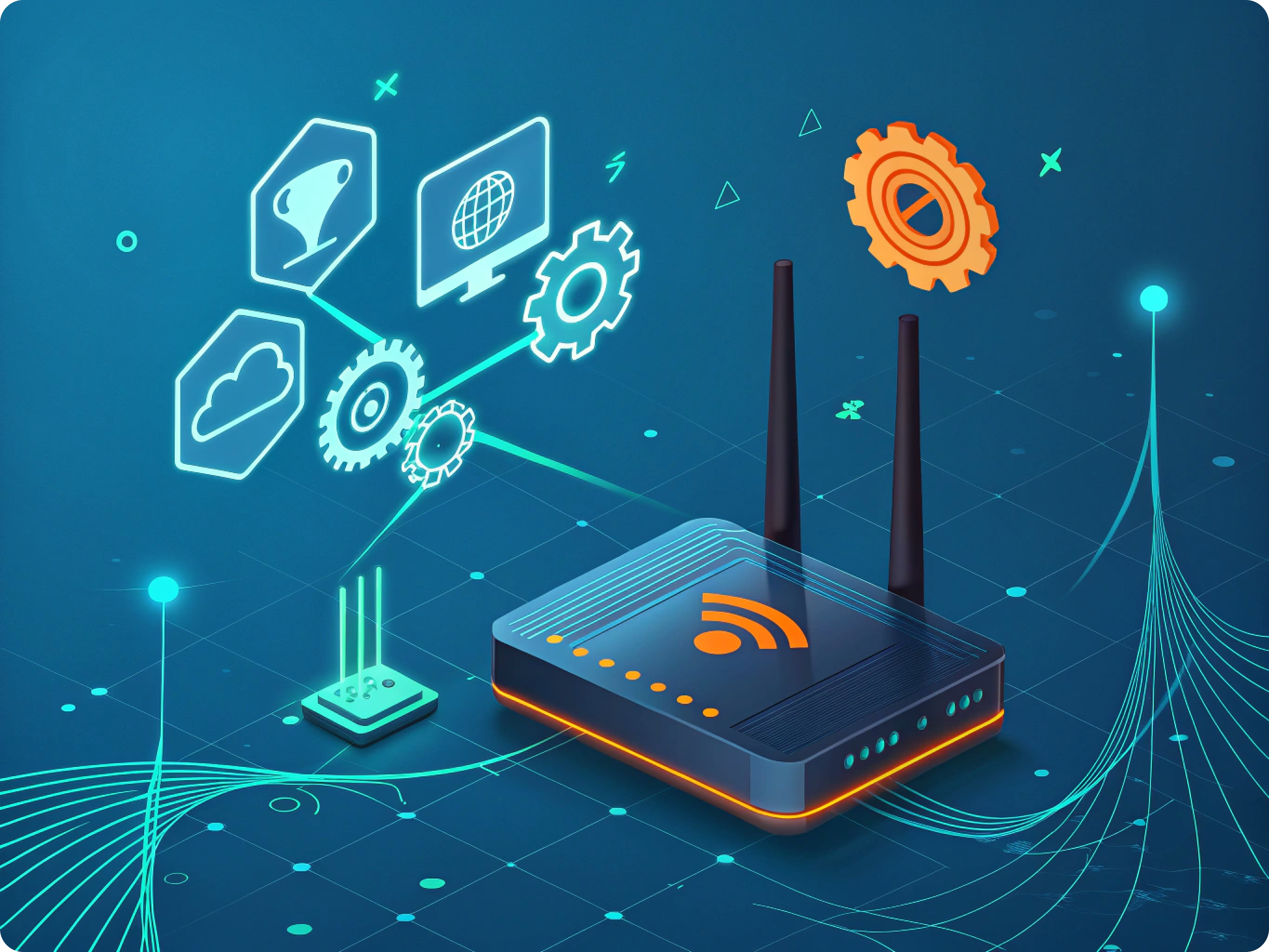

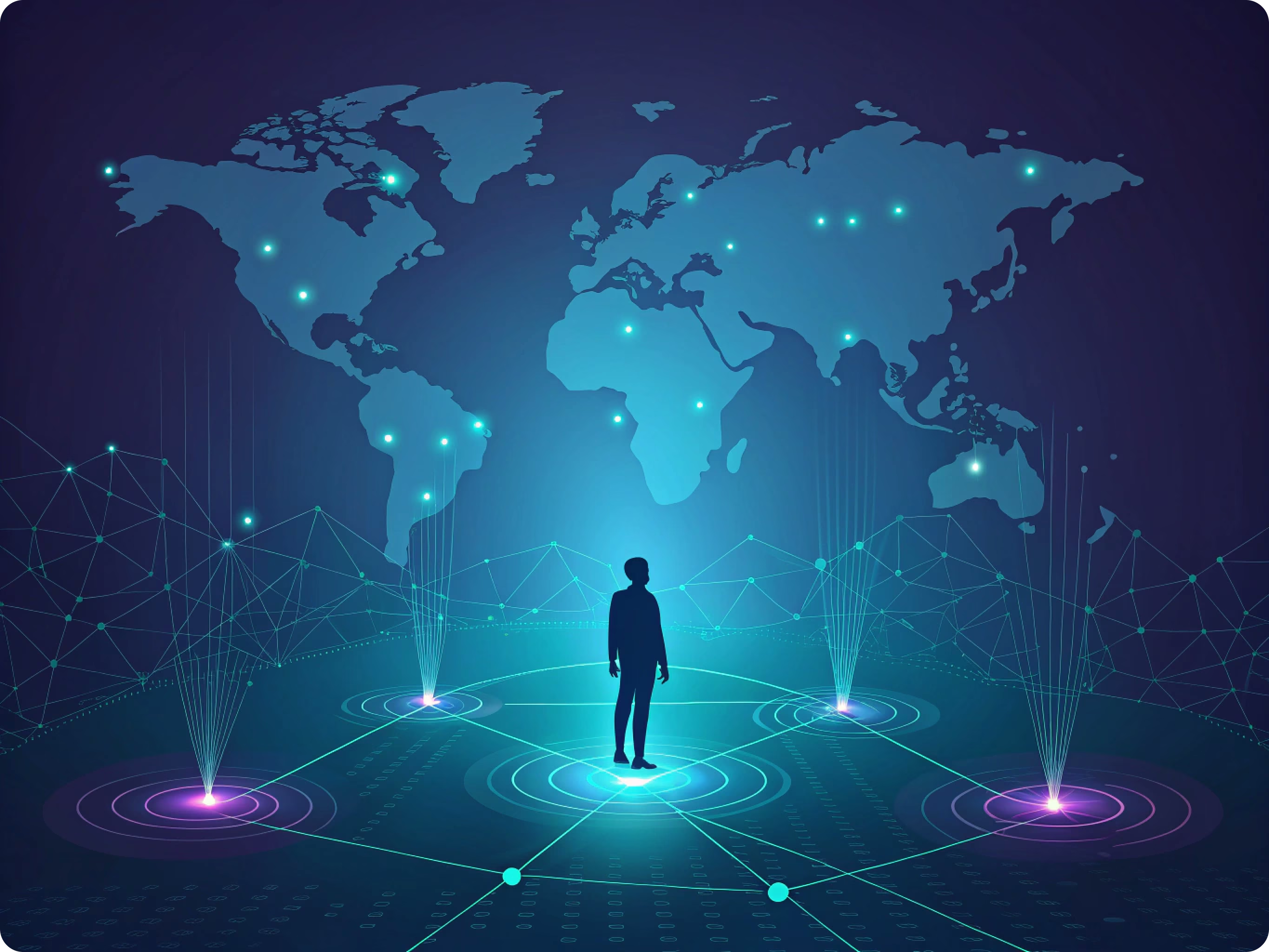
An IP address is a network identifier assigned to a device or connection. In IPv4, it consists of four numbers from 0 to 255 separated by periods.
IPv4 addresses were historically divided into five classes based on how many bits identified the network and the host. Modern networks generally use classless addressing instead.
A website’s IP address points to the server that hosts the site and its content. A residential user often has a dynamic IP address assigned from the internet service provider’s available pool. The provider therefore keeps records showing which subscriber used a particular address at a particular time.
A user may also have a static IP address, usually offered as a paid service and used less often by residential customers.
How to find an IP address
Your computer can display its local network configuration through built-in system tools. The loopback address 127.0.0.1 always refers to the local device itself and is not the public IP address assigned by an internet service provider.
There are many ways to identify another system’s IP address, depending on why the information is needed and what access the user has.
A website owner can review server logs to see the IP addresses that sent requests to the site. Whether those logs are available depends on the hosting platform and service plan.
Web analytics tools may also record visitor IP data or derived location information, subject to their configuration and applicable privacy rules.
Forums, guestbooks, and similar services may log the IP address associated with a post, allowing authorized administrators to review it.
Specialized tools can provide technical information about an IP address, but an IP address alone generally does not reveal a private individual’s phone number or identity.
One common option is a WHOIS lookup. It can identify the organization or provider responsible for an IP range and may display registration and abuse-contact information. It usually does not identify the individual subscriber using the address.
Authorized network administrators may use port scanners to determine which services are exposed on a system that is currently online.
A device that is powered off and disconnected cannot normally accept a new network connection. Security still requires ongoing attention because vulnerable services can be exploited while a device is online.
Can you identify a person by IP address?
In theory, an IP address can help narrow an investigation, but identifying a specific person is usually difficult.
If subscriber information cannot be obtained lawfully from the internet service provider, only indirect evidence is available.
An IP address is not permanently linked to one individual. Any association must be established using a specific date and time, account records, device access, and other evidence.
For example, a platform may record the IP address used to sign in or send a message. Investigators with proper authorization can correlate those logs with provider records. An IP-based location estimate may identify a general area or the provider’s network, but it does not normally reveal an exact physical address.
The result depends on the available records and technical context. An address may have been assigned to a mobile device, shared by multiple users, changed over time, or belong to a proxy server.
People often reuse usernames, email addresses, and profile details across websites. These public identifiers may be easier to correlate than an IP address, although doing so should respect privacy and applicable law.
Search engines can help locate publicly available accounts on forums, chat services, and social networks. However, finding an account does not prove that a specific person used a particular IP address.
Many users also protect their privacy by using proxy servers to hide their real IP address.
The role of proxy servers in online privacy
A proxy is an intermediary server that routes user requests and hides the user’s real IP address from the destination service. Proxies are used for privacy, access management, automation, and other legitimate use cases.
Types of proxy servers
- Private proxies are used by one customer, which can provide a stable connection and stronger account isolation.
- Elite proxies conceal the real IP address and are designed to minimize signs that a proxy is being used.
- Dedicated proxies are reserved for a single user, reducing the risk of blocks caused by other customers’ activity.
- Unlimited proxies include uncapped bandwidth and can be useful for data collection, SEO workflows, and automation.
- Bulk proxies are sold in packages containing multiple IP addresses, which can support concurrent tasks and marketing workflows.
- Datacenter proxies are hosted in data centers, provide fast connections, and suit many tasks that require stable, high-throughput access.
Proxy servers can improve online privacy by limiting exposure of your real IP address. They can also help separate activities and access region-specific services, but they do not provide complete anonymity or replace broader security measures.
-

-

-
 Link copied!